Salon software for salons in Canada
Manage appointments, online booking, client records and checkout in one place. Keep your team organised, colour formulas handy and your salon’s performance in view.



See Zolmi in action
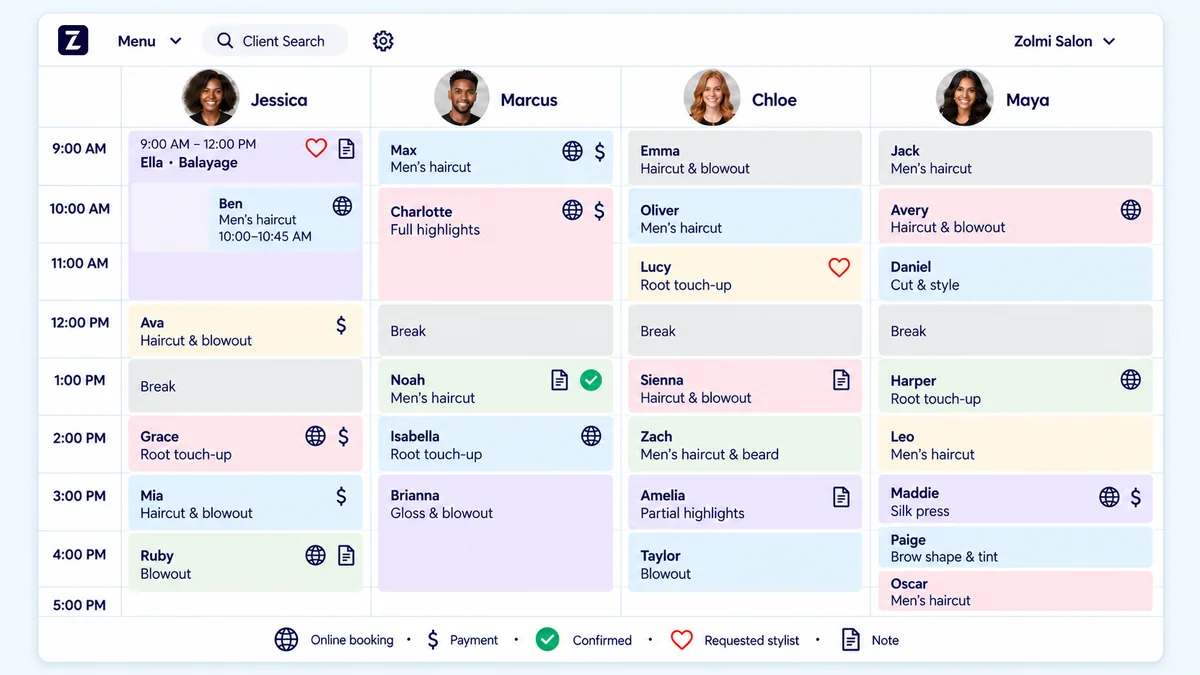
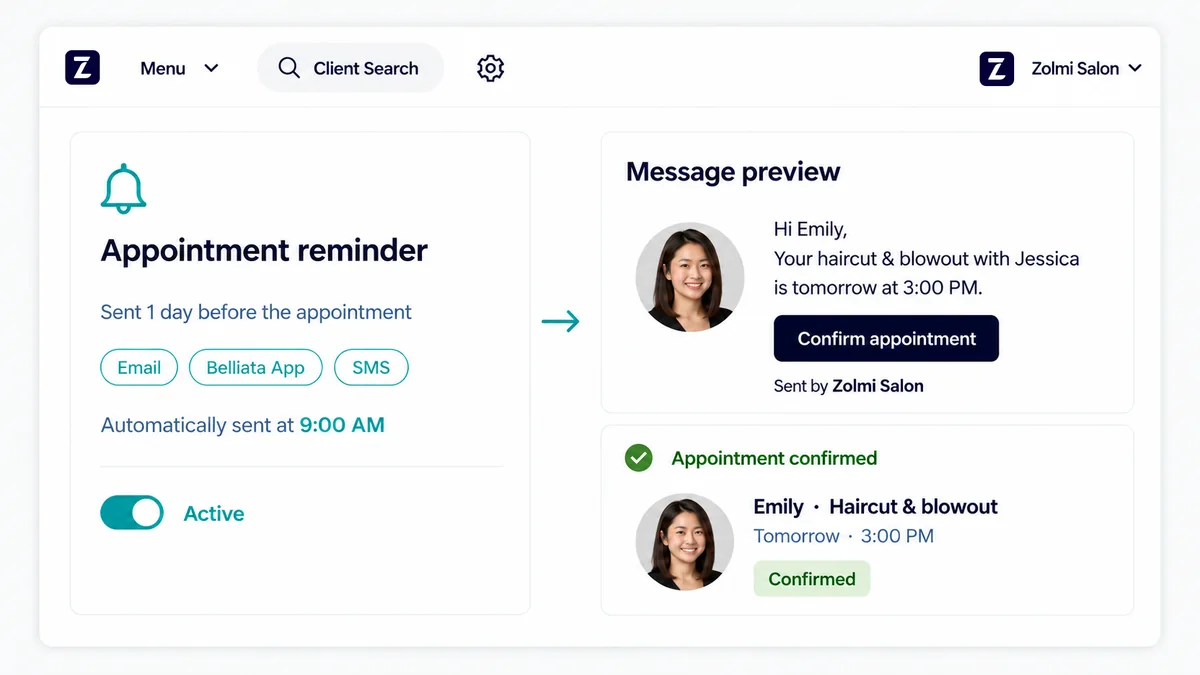
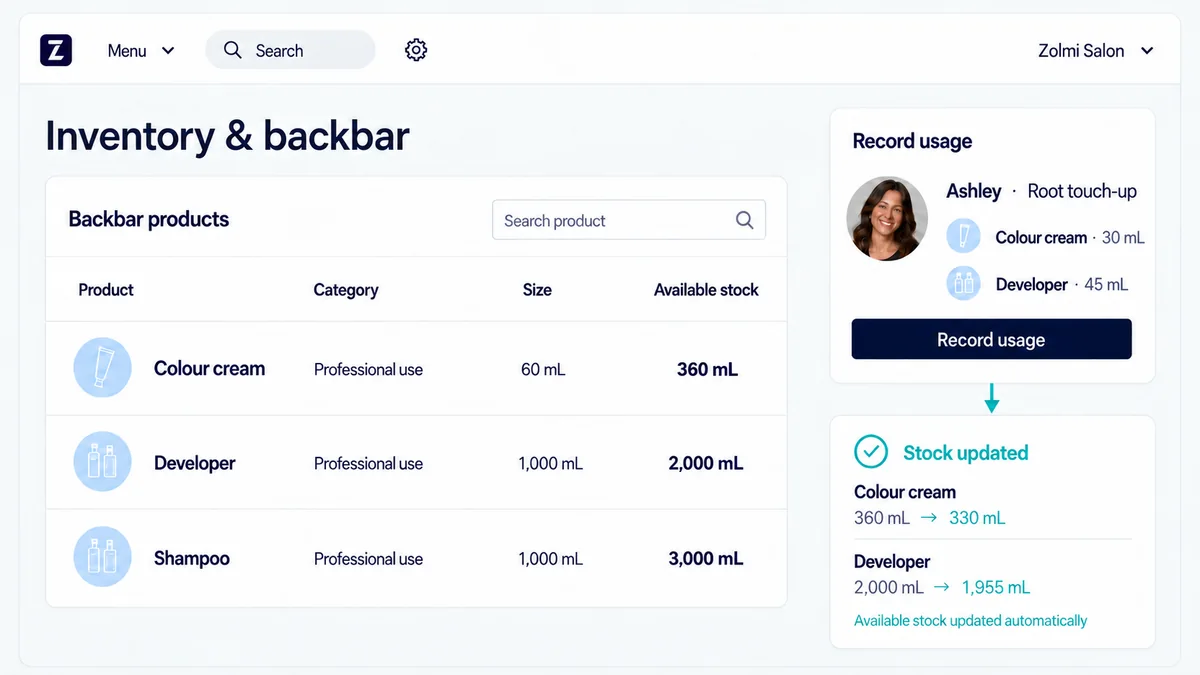
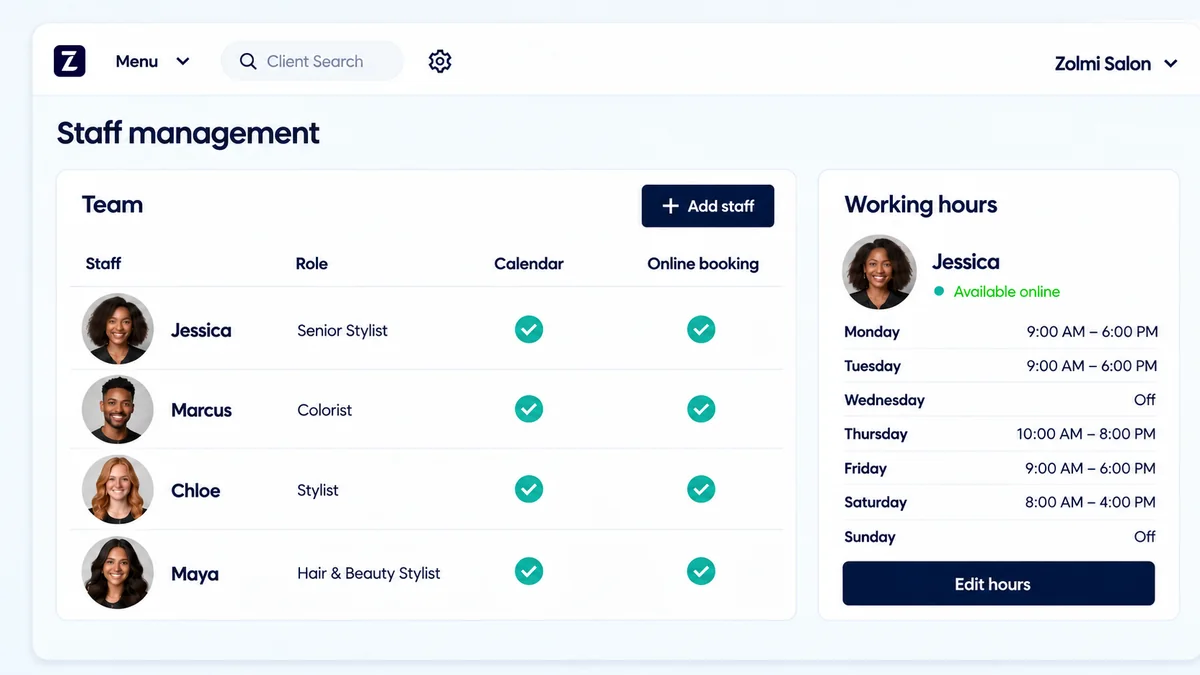
Keep your team’s appointments in view and find openings quickly.
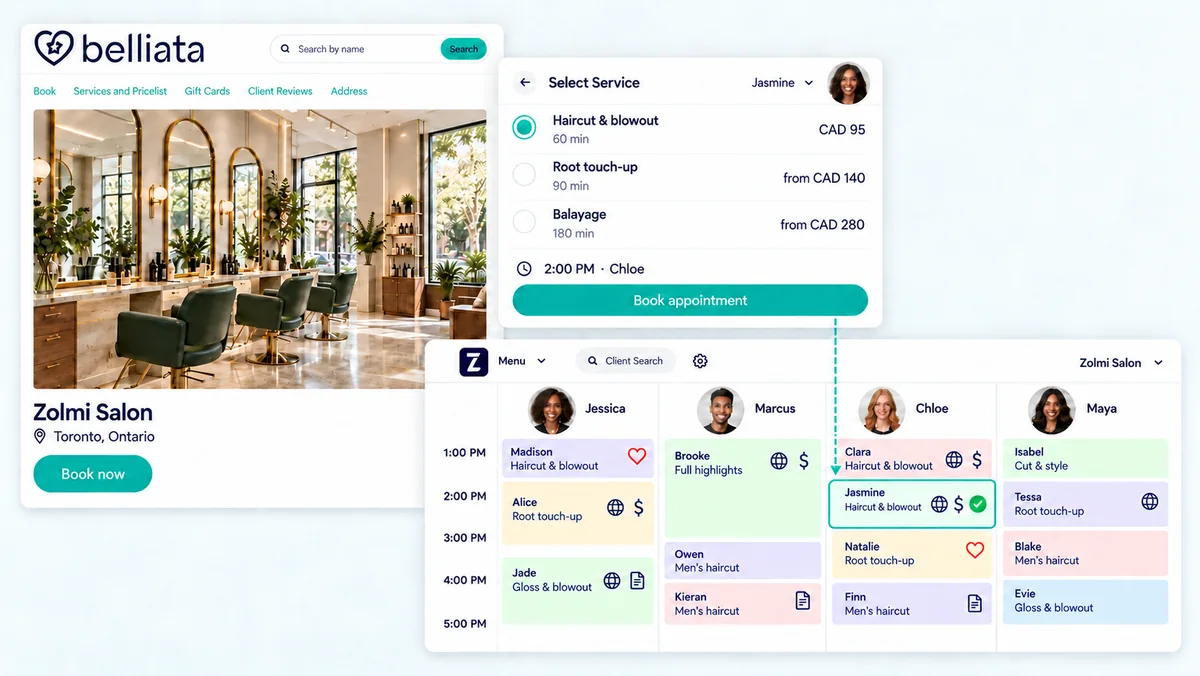
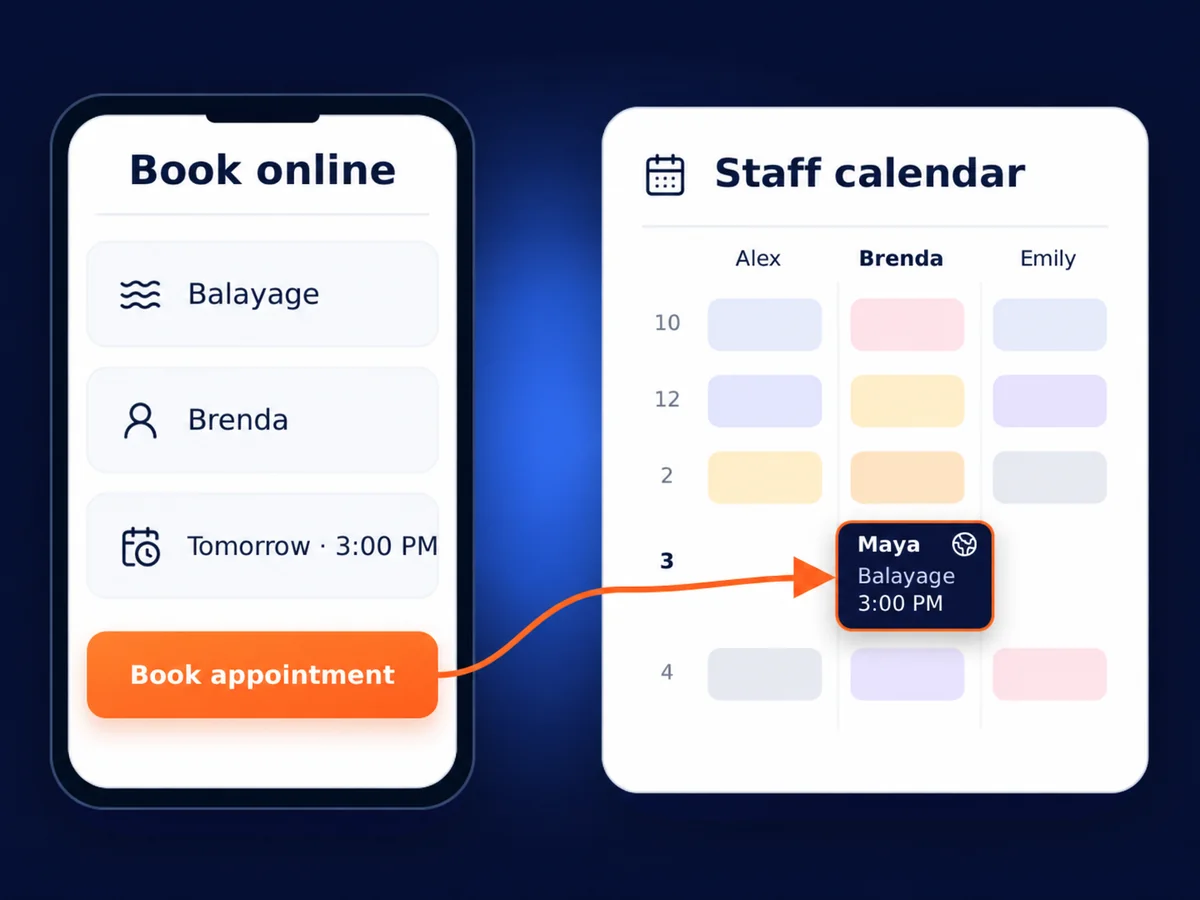
Let clients choose their service, stylist and time online.
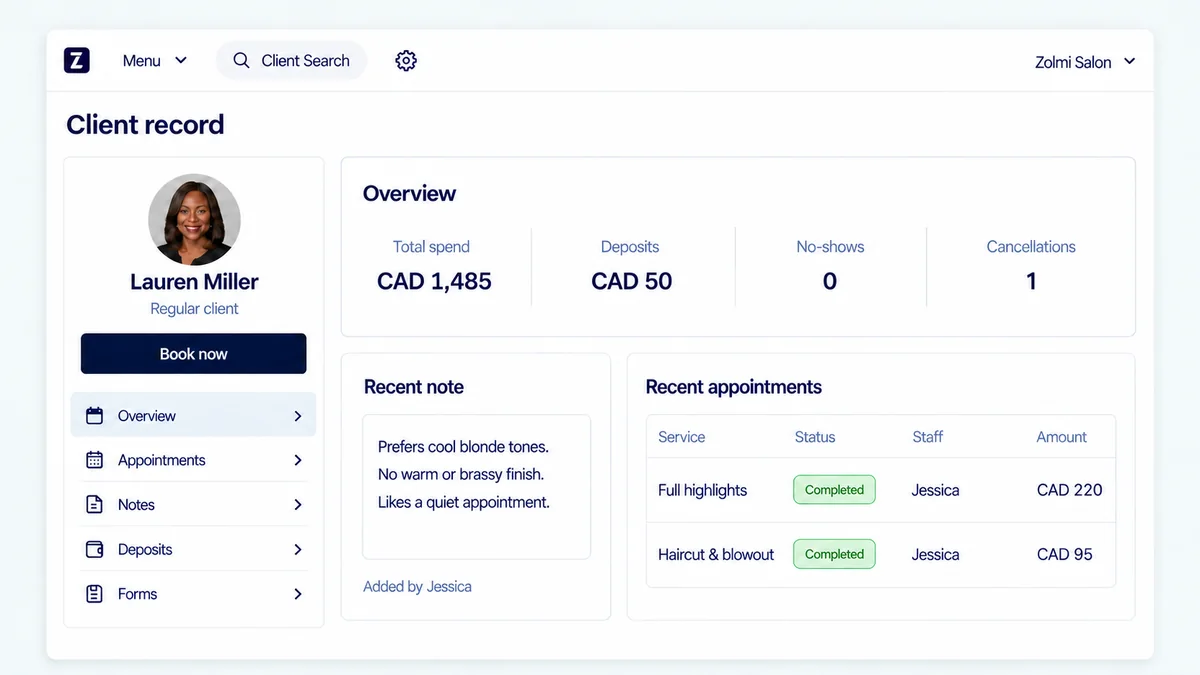
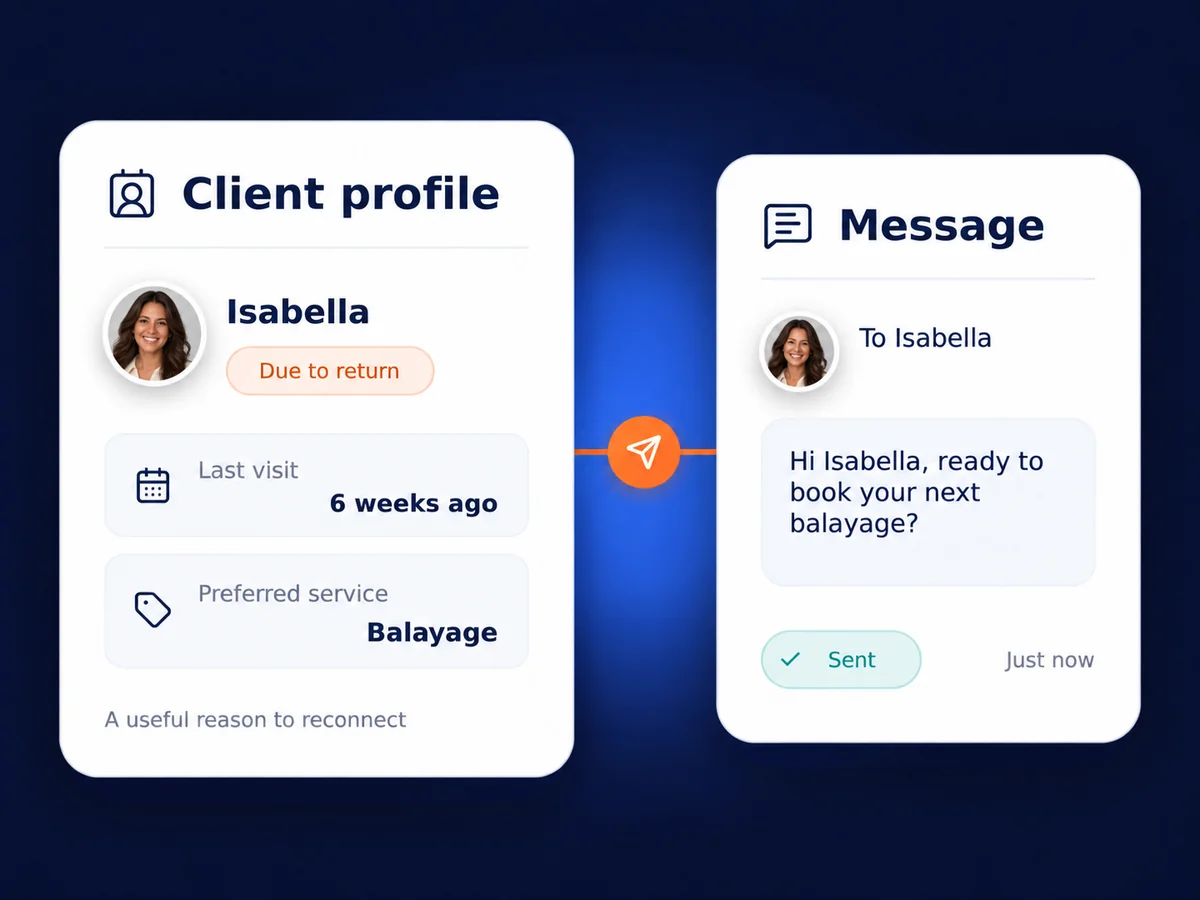
Keep colour formulas and visit notes handy for your next appointment.
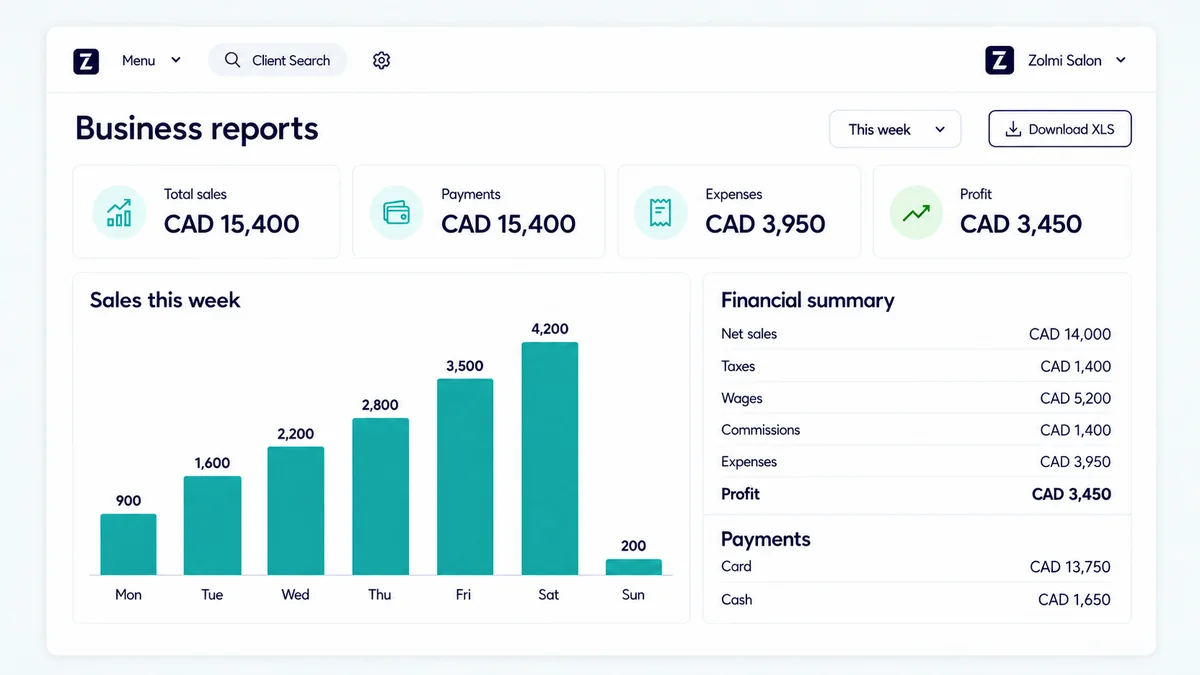
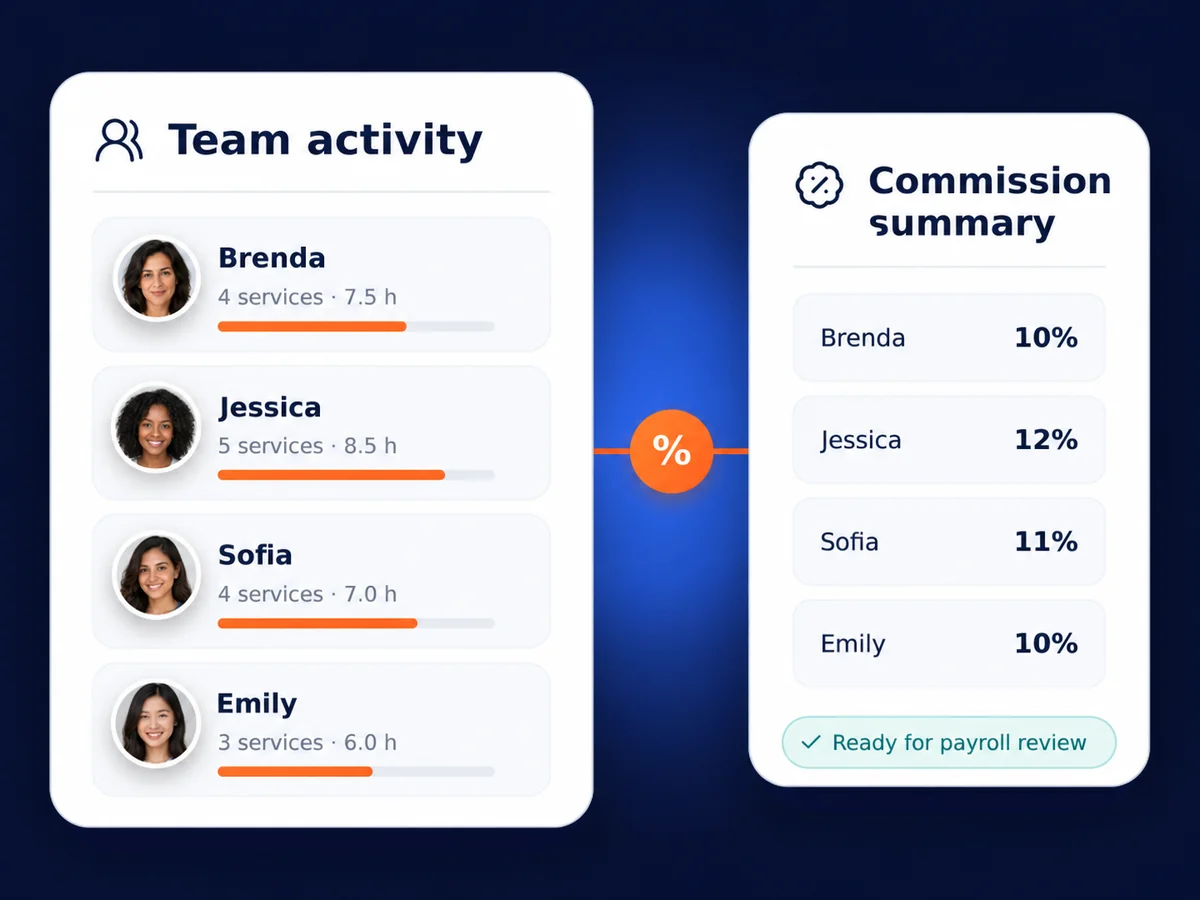
Check your service sales, retail sales and staff performance.
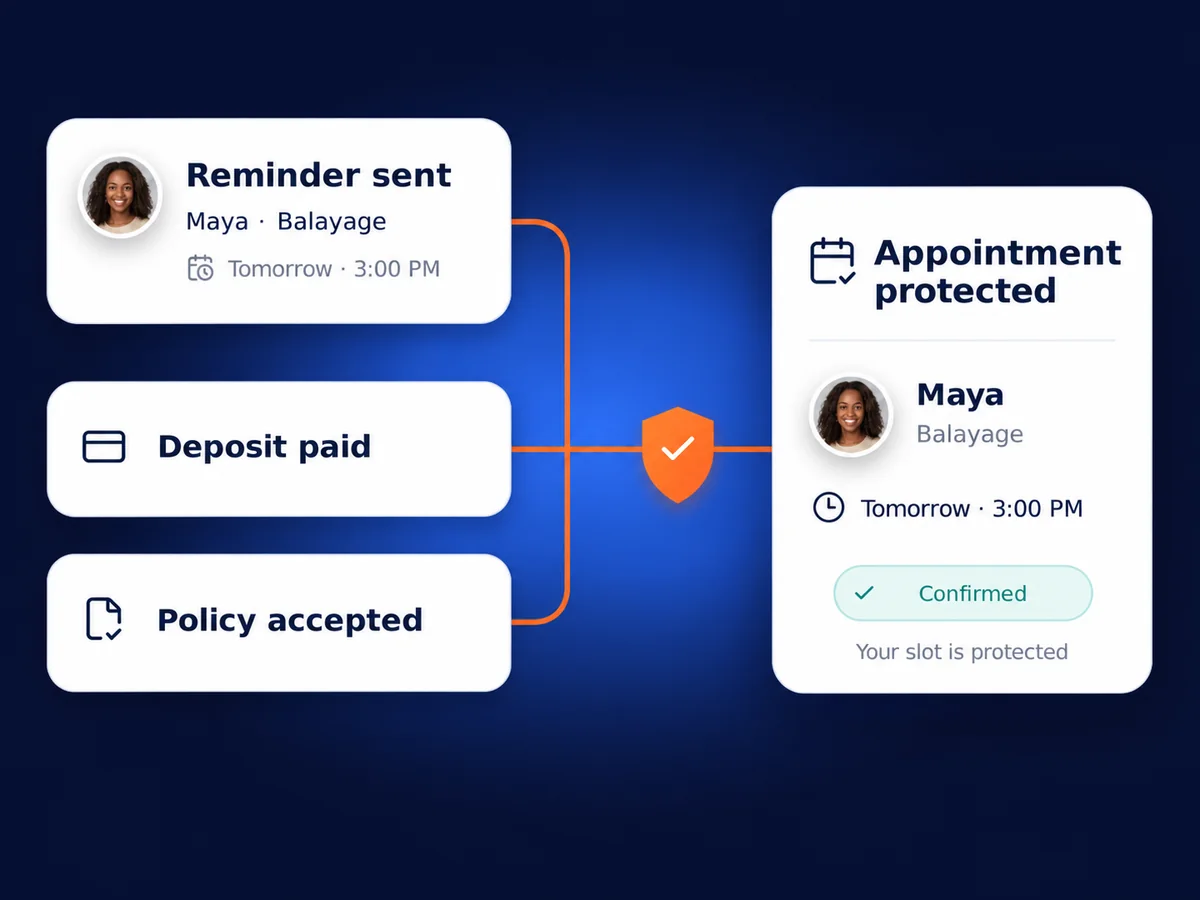
Give your clients a reminder and an easy way to confirm.
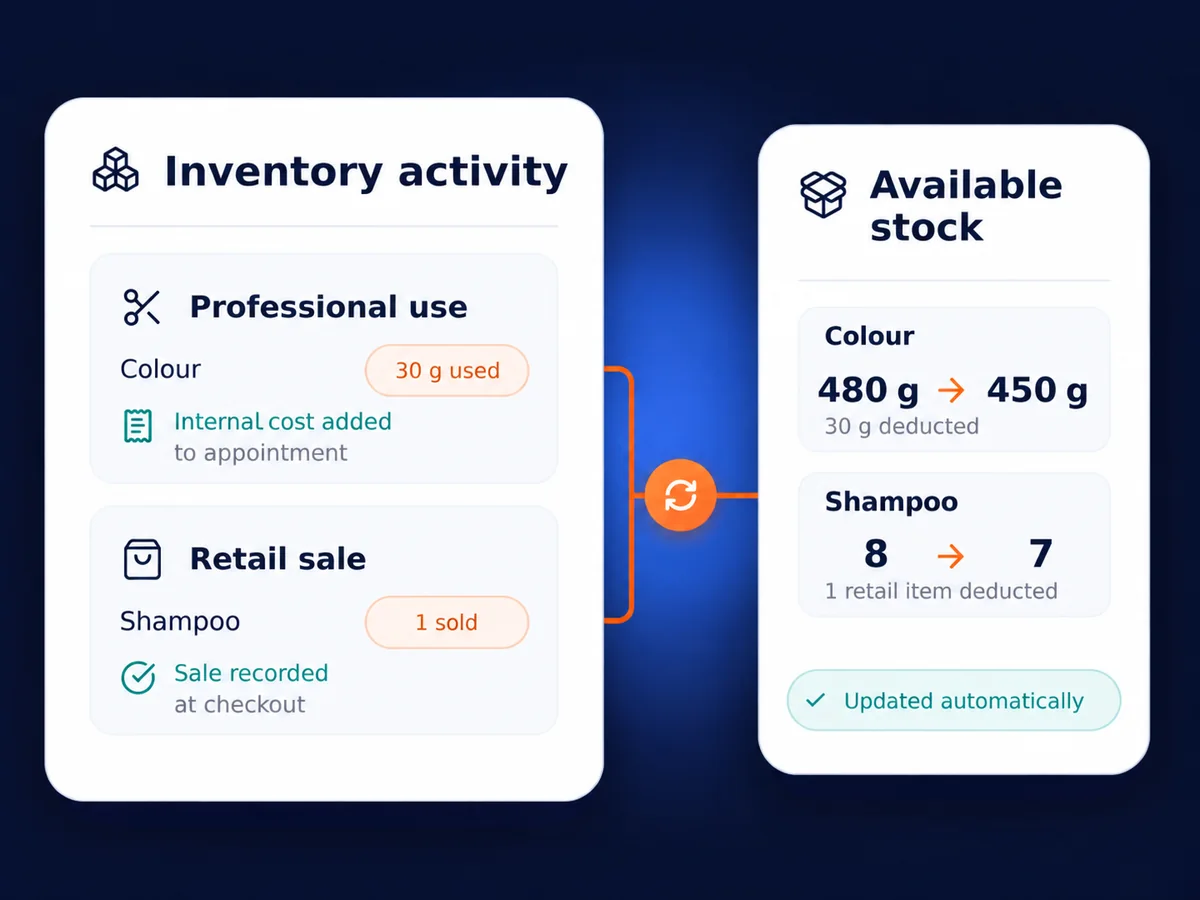
Track your retail and backbar stock as you record sales and product use.
Set staff hours and control who can see client details.
Why Choose Zolmi?
Built by salon owners, for salon owners
Trusted by salon professionals worldwide
Average increase within 6 months
Based on 1,000+ reviews
On administrative tasks
Salon management features
Everything you need to run your salon
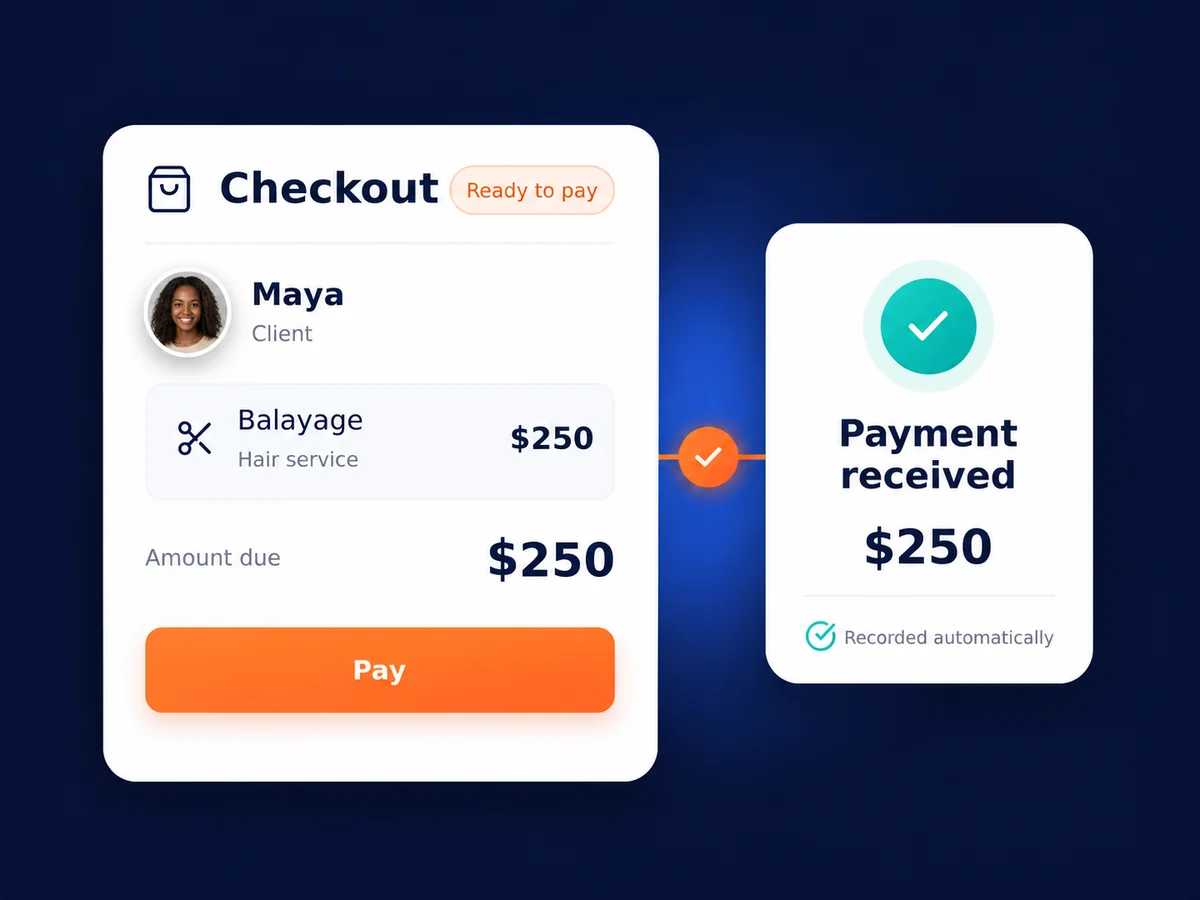
See why we are rated #1 by our clients
See how salon owners use Zolmi to manage their day.
“When my client clicks to book, I think they have a beautiful experience going from my site to the belliata site and everything has been moving smoothly”
“First class service and support from Zolmi, thoroughly recommend to my business friends, family and customers”
“The customer service I receive from Zolmi is fantastic! If I have any questions or need assistance, responses are always prompt and I get the help that I need”
Choose the perfect plan for your business needs
Simple, Transparent Pricing
Would You Like To Know More About Salon Management Software?
Here are some answers to your most common questions
Is Zolmi billed in Canadian dollars, and what will my team pay?
Yes. Start and Pro are billed in Canadian dollars (CAD). Your price depends on your staff count and monthly or annual billing. Annual plans are paid upfront. Booking commissions are not charged; SMS messages and any payment-processing fees are separate. Check pricing for your team and the applicable tax total before paying.
Can I manage my team’s schedules, access and commissions?
Yes. Set staff availability, view bookings across your team and choose who can access client information and other parts of the system. Pro also calculates commissions and provides more detailed staff reports, giving you figures to review before processing payroll.
Can I store colour formulas, client notes and consultation forms?
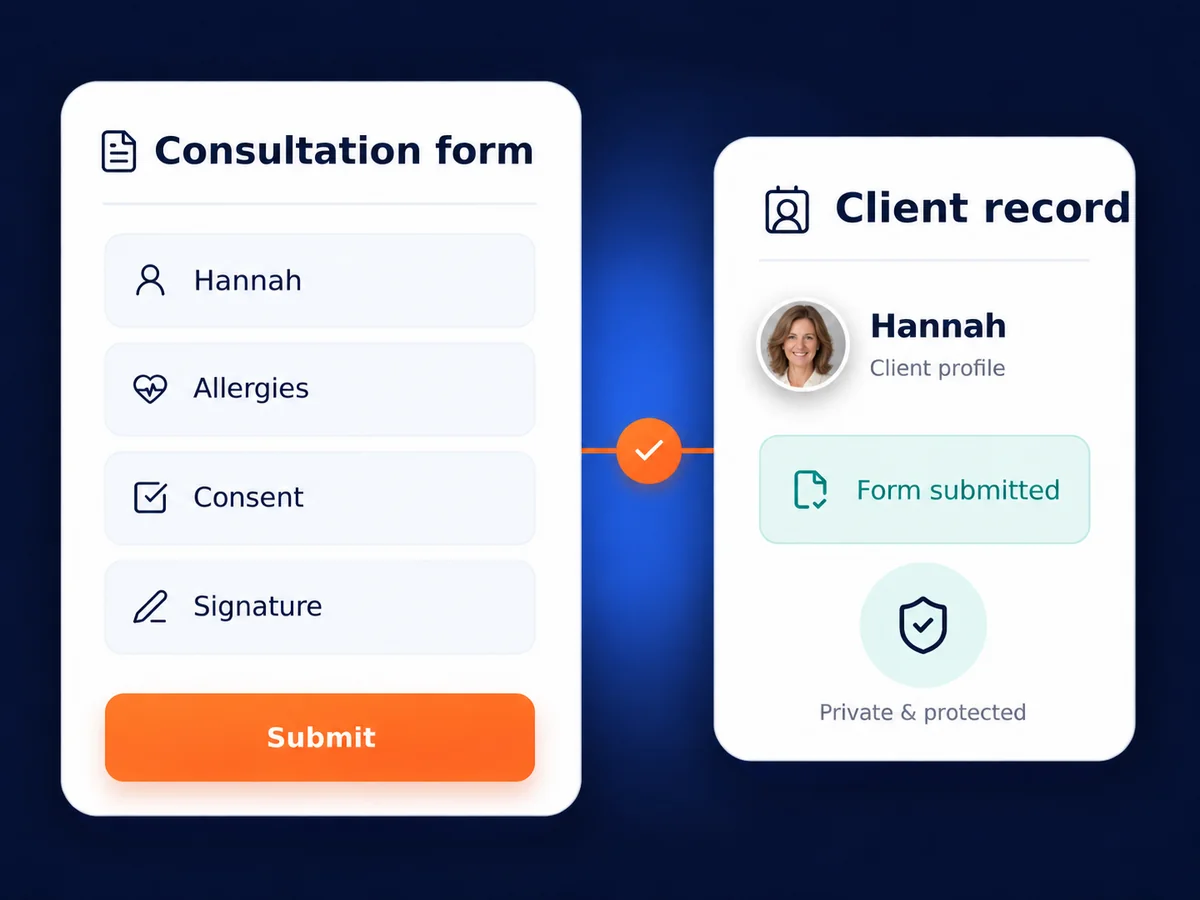
Yes. Keep colour formulas, preferences and visit notes with the client’s record, so your team can prepare for the next appointment. Pro includes digital consultation forms. Permissions let you limit access to client details according to each team member’s role.
Can Zolmi track retail inventory and backbar products?
Yes. Start includes inventory tracking for up to 10 products. Pro adds advanced inventory tools and professional product usage tracking. Record what you sell and what you use during services, such as colour or treatment products, to keep your quantities up to date.
Can I see service and retail sales for my accountant?
Yes. Zolmi helps you review salon sales, payment records and staff performance, with basic reports in Start and more detail in Pro. Check sample receipts and reports against your salon’s tax setup during the trial. Confirm any required QuickBooks or Xero connection separately.
Will Zolmi connect to my existing card or Interac terminal?
Direct integration depends on your payment provider and terminal. Share those details so we can confirm compatibility and fees for your Canadian business. Zolmi records sales and payments at checkout, but an Interac payment on a separate terminal does not by itself mean the terminal is integrated.
Can I use Zolmi on a phone, tablet and reception computer?
Yes. Zolmi works in a modern web browser across those devices. Check your calendar, client records and salon workspace wherever you have a working internet connection. You do not need to install desktop software on each computer.
What help will I get with setup and training?
Personal setup help is included. Use Live Chat in your Zolmi dashboard or email support@zolmi.com. Tell us your Canadian time zone when arranging a tutorial. Setup time depends on your service list, team and the records you want to bring across.
Can I cancel my subscription and take my records with me?
You can cancel the next renewal through the available billing settings or support. Cancellation normally takes effect when your paid period ends, with no refund for unused time except where required or expressly offered. Export records through the available tools, or contact support, before access ends. Deleting the account is a separate request.
What is Zolmi, and is it right for my salon?
Zolmi is salon management software for Canadian hair and beauty salons, barbershops and spas. Manage appointments, client records, checkout, your team and inventory in one place, so you can keep a busy salon organized and see how the business is doing.
What is the difference between Start and Pro?
Start covers scheduling, online booking, client records, staff permissions, checkout and basic reports, with inventory tracking for up to 10 products. Pro adds consultation forms, commissions, advanced reports and more detailed inventory and backbar tracking. Choose around the tasks your team needs to do.
Can I test Zolmi with my team before subscribing?
Yes. Try Pro for 14 days without entering card details. Add a few services and staff members, book a test appointment and run through checkout. You can check how the calendar and client records fit your team’s routine before choosing a paid plan.
Can you help me switch from my current salon software?
Yes. Zolmi supports client-data imports. Share a sample export so we can check the format and agree what can transfer. Confirm future bookings, colour notes, forms and gift-card balances separately. Keep your current calendar available until you have checked the transferred records.
Can clients book after hours through my website or social profiles?
Yes. Add your Zolmi booking link to your website and social profiles. Clients choose their service, team member and available time, and the booking appears in your calendar. Your salon can take bookings after closing without someone handling each request.
Can I send reminders and take deposits for longer appointments?
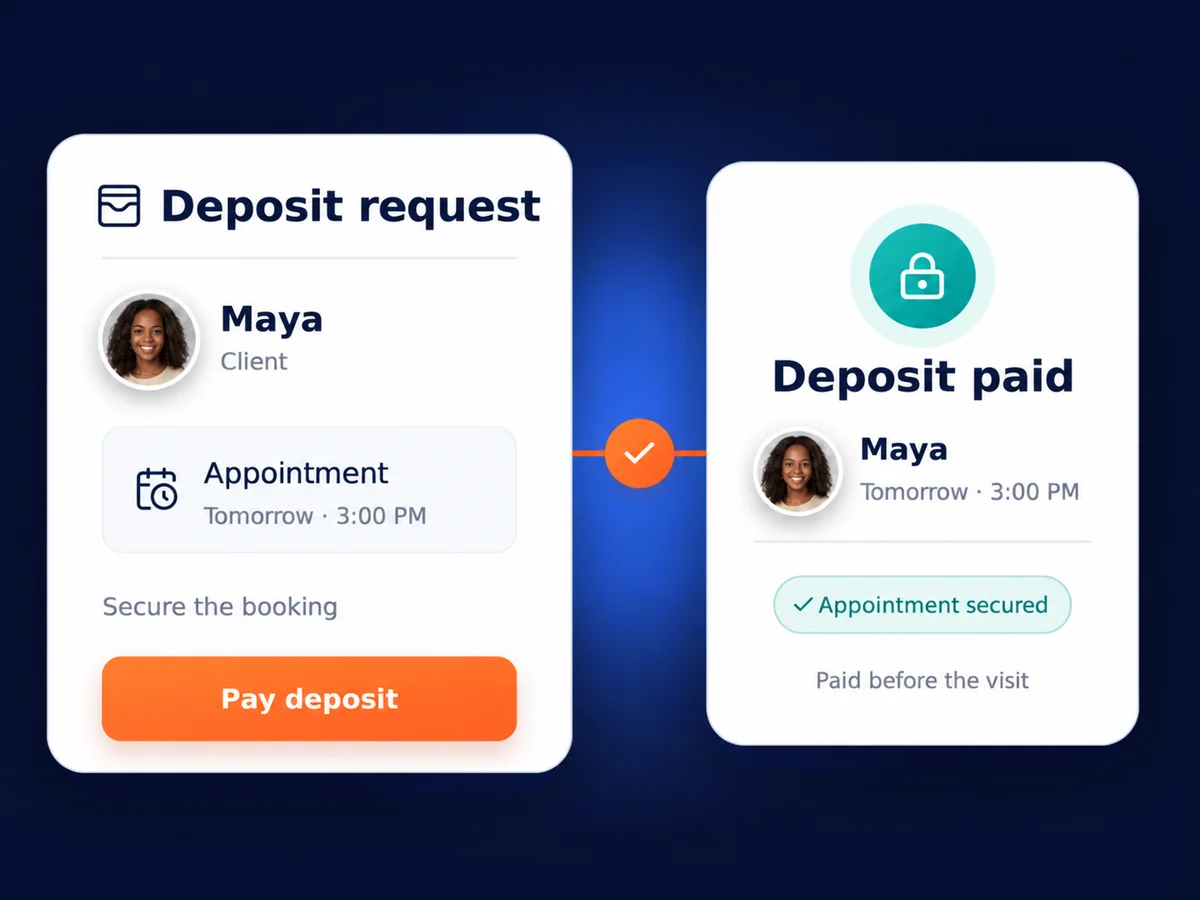
Yes. Appointment reminders, confirmations and booking deposits can help protect time set aside for services such as a full colour appointment. SMS messages cost extra, and online deposits require a supported payment setup. Set out your cancellation policy clearly so clients know what to expect.